What do you need to create an AI agent?
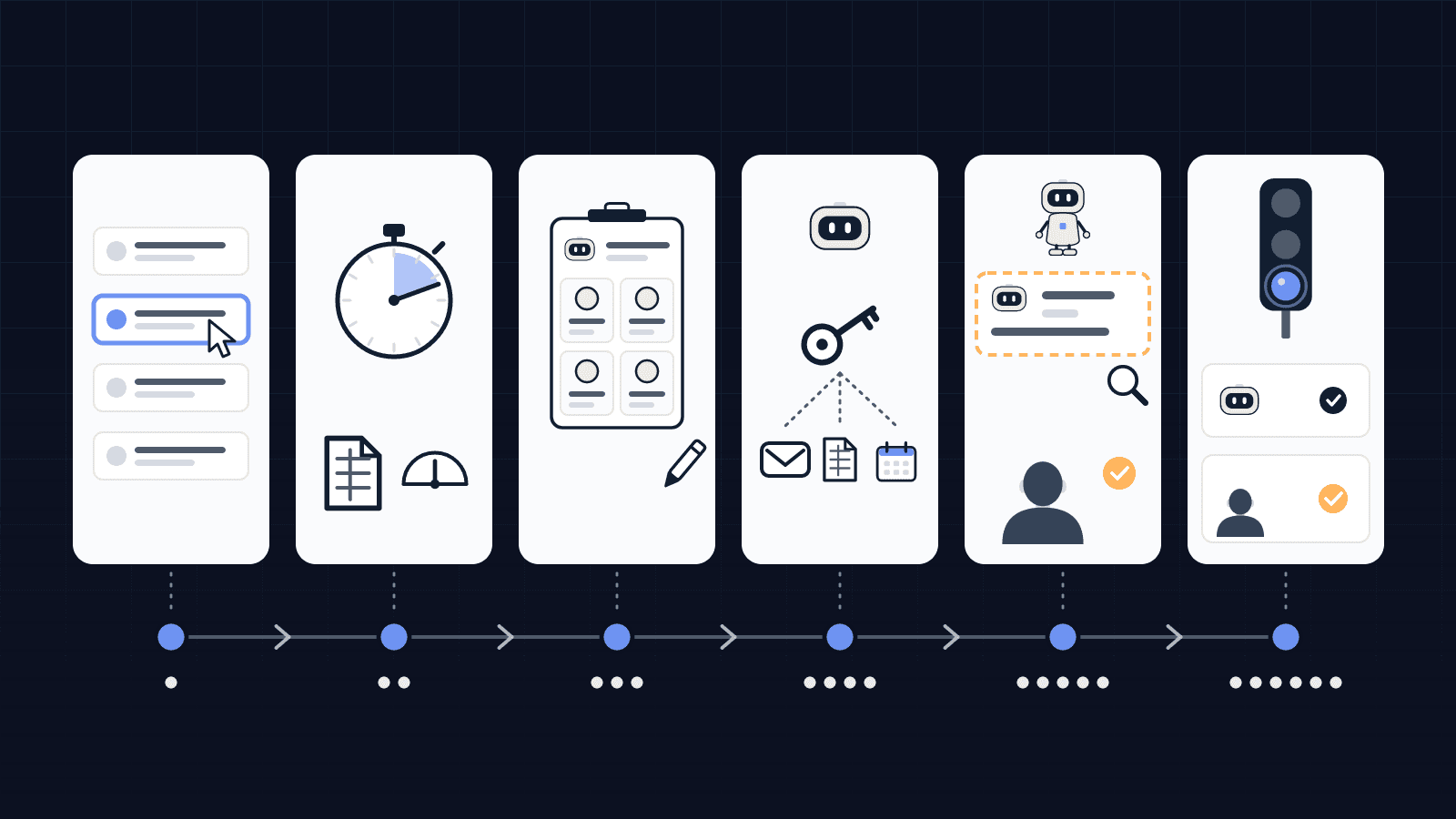
You need three things: a task, access, and a person who approves. The task has to come back often enough for the setup time to pay off, and it has to involve some reading or judgment, otherwise a fixed rule would do it better. The access is whatever the agent needs to read and prepare: an inbox, a shared folder, your business software. The person who approves is someone who knows the job and will say yes or no to what the agent prepares.
The AI model itself (from OpenAI, Anthropic, Mistral or another provider) is the easiest part to swap out. The real work is describing the task precisely enough for a machine to prepare it without drifting off topic, and deciding what stays in your hands.
How to build an AI agent for a small business, step by step
1. Pick a task, not a tool
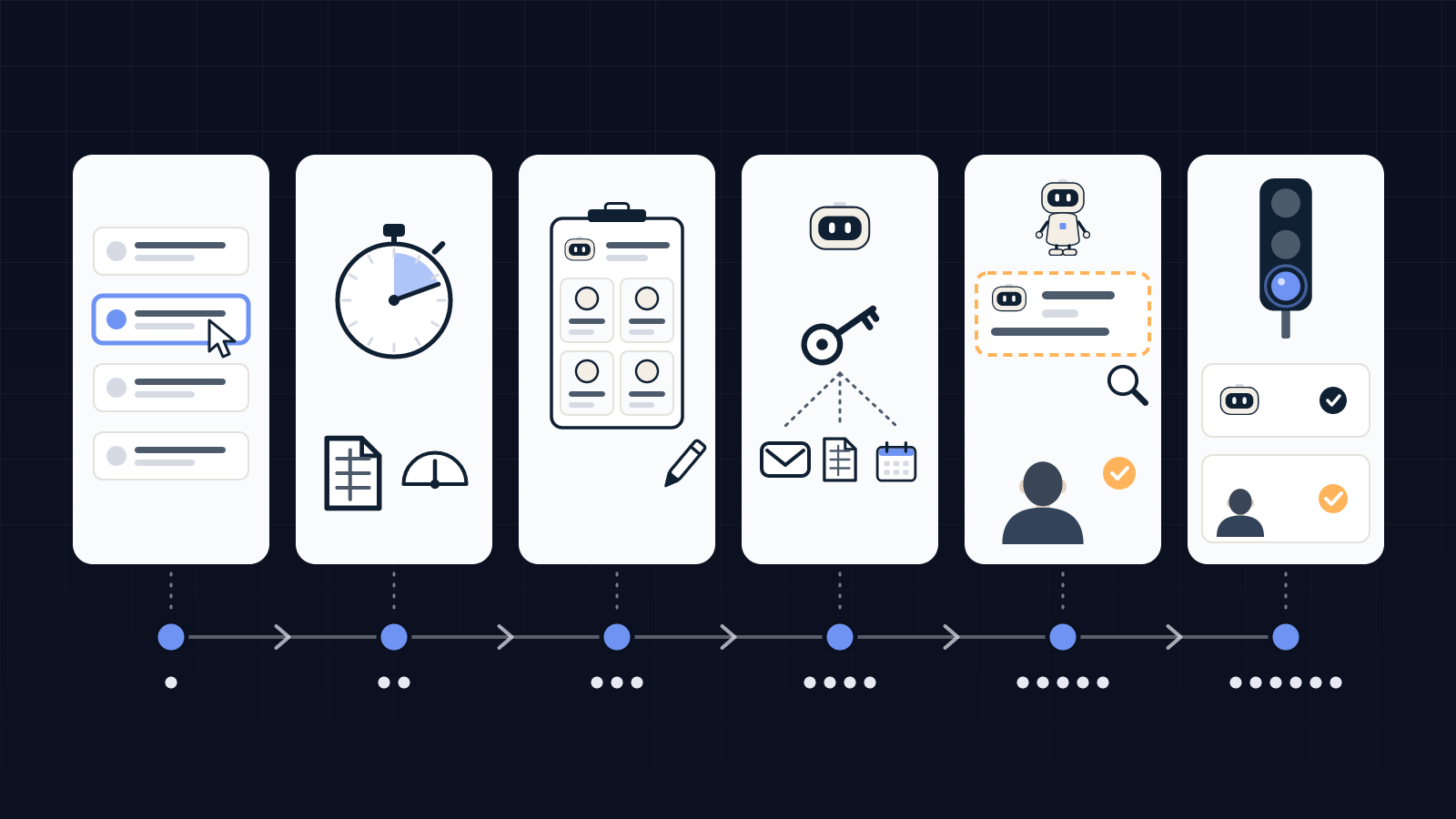
Start with a task that weighs on you and comes back every week: sorting quote requests, chasing unpaid invoices, drafting answers to customer questions, filing bookkeeping documents. One task to begin with. An agent that "helps with everything" can't be evaluated, and nobody knows when it gets things wrong.
2. Measure the task as it is today
For one or two weeks, record how often the task comes up, how long it takes and who does it. This baseline serves twice: it tells you whether the agent is worth building, and later it lets you check what the agent actually changed. Without it, all you will have is an impression.
3. Write the agent's job description
This is the step most technical tutorials skip, and it is the one that makes an agent usable. You write down, in plain sentences, what you expect from it, as you would for a new hire joining the team.
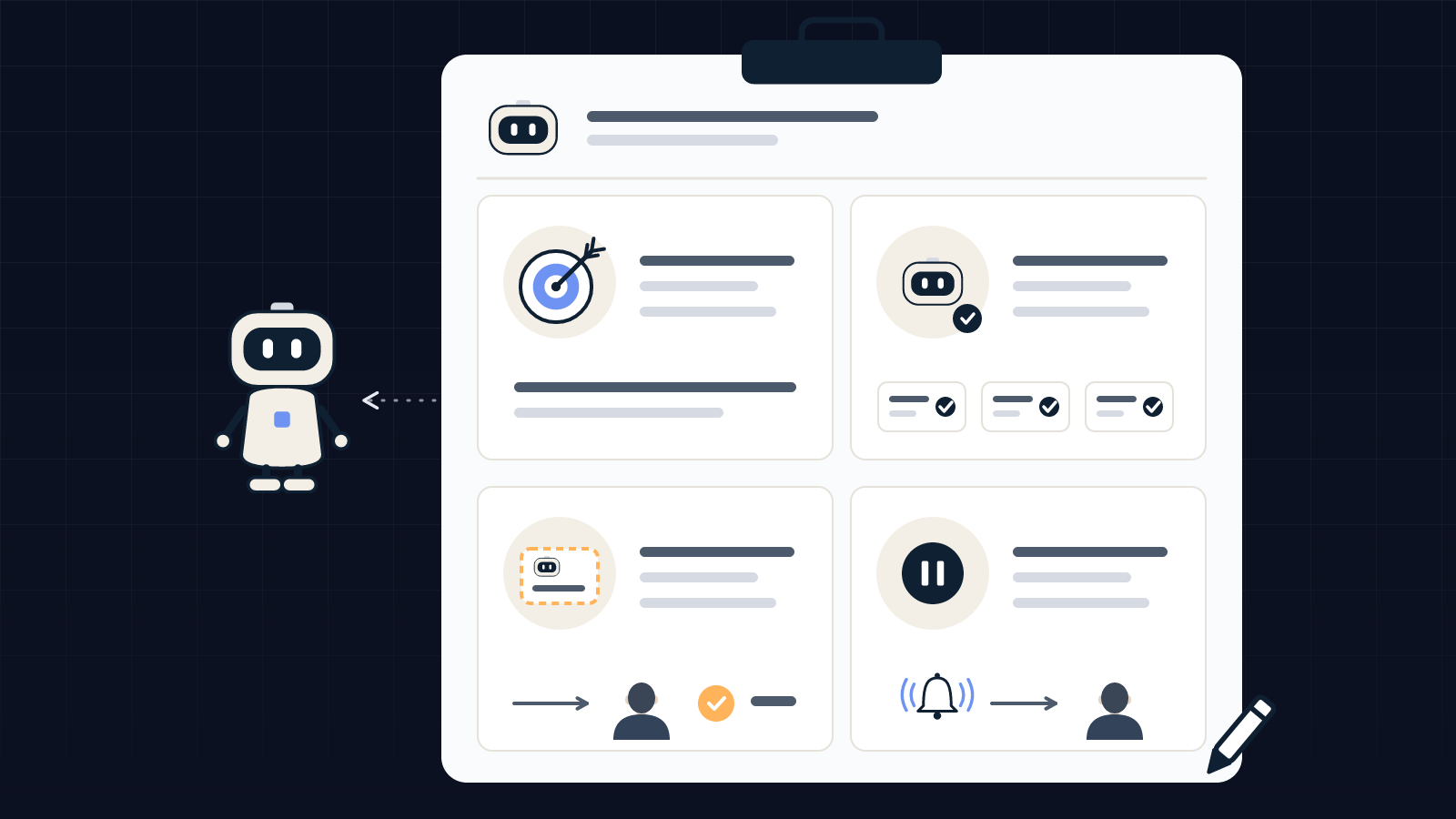
| Heading | Question to ask | Example for an agent that sorts quote requests |
|---|---|---|
| Mission | What work does it do, and for whom? | Read incoming requests by email and prepare one summary sheet per request for the salesperson. |
| What it does on its own | What never leaves the company? | Sort the emails, find the customer in the contact list, summarize the request. |
| What goes through you | What commits the company? | Any reply to a customer, any quote, any price. |
| Where it stops | When does it alert a person? | A complaint, a request outside the catalog, any doubt about who the customer is. |
4. Grant only the access it needs
The agent gets the access its mission requires and nothing more: reading the requests inbox, not the whole mail account; preparing a draft, not sending it. Separate what it can read, what it can prepare and what it can execute. We cover this split in detail in our article on AI agent access control.
5. Run it in draft mode and review everything
For the first weeks, the agent prepares and a person reviews everything. Each correction gets written down: a wrong category, a missing piece of information, the wrong tone. These corrections feed back into the job description and the agent's instructions. It is also the time to check that review takes less time than the task used to.
6. Decide what it can do on its own
When corrections become rare for a given type of case, you can let it handle on its own whatever stays inside the company. Anything that commits the business to a customer, a supplier or a public authority stays subject to your approval, unless you explicitly decide otherwise. For what comes next, see how to monitor an AI agent after launch.
Do you need to code to create an AI agent?
Not always. The right tool depends on how many applications the agent has to connect and what it is allowed to do. The more tools it touches and the more it acts outside the company, the more technical work and ongoing follow-up it needs.
| Approach | A good fit when… | What you manage yourself | Limit |
|---|---|---|---|
| An AI assistant set up with your instructions and documents | The task happens in a conversation: drafting, summarizing, answering a question | The instructions and reference documents | It doesn't go looking for work: someone has to bring it every case |
| An automation tool with an AI step (n8n, Make, Zapier) | The task connects two or three applications and follows a known path | The workflows, the access, the breakdowns when an application changes | Upkeep depends on whoever built the workflow |
| A custom-built agent, by you or a provider | The task requires reading several sources, preparing and getting approval | The job description, the approvals, the measurement | It needs scoping first, and someone has to maintain it |
If you are unsure which option fits, our page on AI agents for small businesses explains which task to start with and when to skip it.
What our own team of AI agents taught us
At Équipage IA, our prospecting, client follow-up and content are prepared by AI agents, using the same method described here. Each of our 12 internal agents has a written job description, from 78 to 269 lines depending on the role (counted in our repository on November 17, 2026). The headings that come up most are the mission, the measurement, "where it stops" and "what it does on its own".
Approval takes time, and you need to plan for it. Between October 18 and November 15, 2026, our search marketing agent submitted content and proposals that required 40 decisions from our founder, about ten a week (decision history in our platform, checked on November 17, 2026). That is the figure we look at when deciding what an agent can do on its own: as long as a review still brings corrections, the review stays.
The cost of the AI itself is a separate question, covered in our article on what an AI agent costs.
When should you not create an AI agent?
When the task always follows the same rule. Sending a confirmation email after an order, moving an attachment into a folder, flagging when stock drops below a threshold: your software or an automation tool does this without AI, for less money and with no risk of misreading.
It is also better to hold off when the task comes up too rarely to justify the setup, or when every case calls for a decision you don't want to hand to anyone. In those situations, the right answer is often to build nothing.
FAQ
Do I need to know how to code to create an AI agent?
No, not for a simple agent that works in a conversation or connects two applications. Once it has to read several sources and get approval for what it prepares, some technical work is needed, in-house or with a provider.
What is the difference between an AI agent and an assistant like ChatGPT?
An assistant waits for you to ask it something. An agent goes and finds the work itself, in an inbox or a business application, prepares it and brings it to you. The difference lies mostly in its access and approval rules.
Can an AI agent work without human approval?
On internal, well-established tasks, yes, if you decide so. For anything that commits the business to a customer or a supplier, we recommend keeping an approval step as long as reviews still bring corrections.
Which task should I start with?
One that comes back every week, requires reading before acting, and whose time you can measure today. Sorting incoming requests and following up on quotes or invoices are often good first candidates.