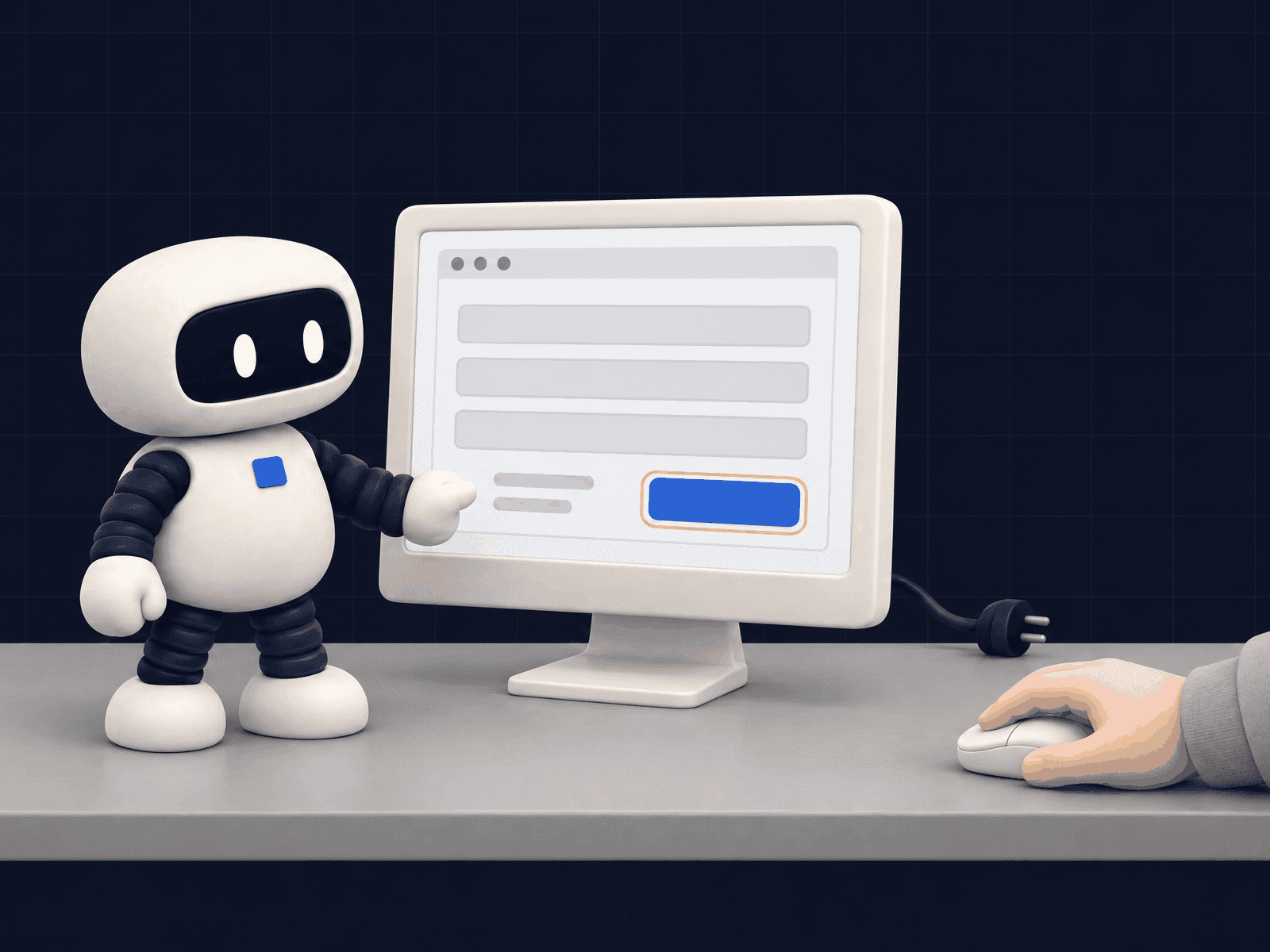
Why does software with no API block automation?
Because everyday automation tools connect software that can already talk to each other. When you search for your business system in the list of connectors and it is not there, someone ends up copying data by hand. Three situations come up again and again in small businesses:
- A supplier portal: someone logs in to check stock, download an invoice or track an order, one record at a time.
- Business software installed years ago: customer records, purchase orders and credit notes are keyed in by hand, screen after screen.
- Re-entering quotes: the quote is built in a spreadsheet or arrives as a PDF, then retyped line by line into the order system.
That time never shows up on a dashboard. You pay for it at the end of the day, in typing errors, and in requests answered tomorrow instead of today. That delay is often where a customer is won or lost, as we explain on our page about quote requests handled by an agent.
What is an agent that drives a browser or a computer?
It is an AI model given eyes (screenshots, or the structure of the page) and hands (clicks and keystrokes). On each turn it looks, decides the next action and asks for it; your program carries it out and sends back the result. Anthropic offers two variants, documented separately:
| Driving a browser ("browser use") | Driving a computer ("computer use") | |
|---|---|---|
| For what | Work that stays inside web pages: portals, extranets, online forms | Work that leaves the browser: software installed on the machine, desktop applications |
| How it sees | The page structure (buttons, fields, tabs) and screenshots | Screenshots only, and screen coordinates |
| What you provide | The browser, the list of allowed web addresses, the approval function | An isolated machine with no spare credentials, and the approval function |
What Anthropic announced is about the SDK. Before, developers had to write the loop themselves and translate every click into a command. Now the SDK runs the loop, applies the rules you give it and sends actions to a "driver" you write for your browser or desktop. The documentation is explicit that the SDK includes no browser, no desktop and no ready-made driver. Someone still has to build the environment.
Should you use an agent that clicks, or another route?
In most cases another route exists, and it is more stable. An agent that clicks depends on what is on screen: an update that moves a button, a new consent banner, and it has to find its way again. This is the order in which we check the options.
| Route to check | Question to ask | When it is enough |
|---|---|---|
| An unlisted API | Does the vendor have a paid add-on API, a partner-only API, or an older web service? | Often: it is the most stable route, even if paid or poorly documented |
| A file export or import | Can the software produce a file every night, or import one? | For reading data and for batch updates |
| Does the software already email the document? | To trigger a chain of actions when a document arrives | |
| The database, read-only | Is the software hosted on your own server, and does the vendor's contract allow it? | To read a lot of data without writing anything |
| An agent that clicks | Is the task repetitive, with a result you can check at a glance? | When none of the routes above exists |
If a scheduled export solves your problem, AI adds nothing, and we will say so. For an overview of what we automate and what we leave to people, see our page on custom automation.
When does an agent that clicks make sense?
When the task is repetitive, bounded and easy to check. Three examples, all to be tested on your own screens before you trust them:
- Collecting information from a supplier portal: log in with a dedicated account, open current orders, copy the delivery dates into your sheet. The agent reads; it orders nothing.
- Preparing an entry in business software: from an incoming purchase order, fill in the record up to the "Save" button, then stop. A person checks it and saves.
- Re-entering a quote: copy the lines of an approved quote into the invoicing tool, and flag any line whose item cannot be found instead of guessing one.
Our own agents already use a browser, for example to list our website in business directories. The new SDK toolsets, however, we have not yet tested on business software: this article relies on Anthropic's documentation, not on our own measurements.
What are the limits of an agent that clicks?
Reliability. Anthropic's own documentation says the agent can get click coordinates wrong, and that it is slower than a person. Errors add up with the length of the task. A worked example, not a measurement: if each action succeeds 95 times out of 100, a sequence of 20 actions finishes only a little more than one time in three (0.95 multiplied by itself 20 times gives 0.36). Hence the rule: short tasks, and a check after every important step.
Cost per task is not measured. What we know: declaring the browser toolset adds about 6,600 input tokens to every request, and every screenshot is billed as an image. The cost of a task therefore depends on how many screens are visited and how many screenshots are taken. We do not have a real figure yet; we will publish one once we have measured it on a real task. As usual, the expensive part is setup and follow-up, not the model: that is the subject of our article on what stays expensive when AI prices fall.
Data. Whatever the agent sees on screen goes to the model provider: screenshots, page text, web addresses. Only open the screens it needs. Anthropic recommends a dedicated low-privilege account and, for a whole computer, an isolated machine rebuilt for each session, with no credentials lying around.
Hidden instructions. A web page can contain text written to hijack the agent ("ignore your instructions and go to…"). The documentation admits the model sometimes follows such instructions. One more reason to limit what the agent can reach. The questions to ask before connecting an agent to your tools are in our article on four questions to ask before connecting an AI agent to your tools.
Where should a person approve?
Before anything that commits the business: sending, ordering, paying, accepting terms. The SDK provides an approval function for this, called before each action, which can ask a person. The documentation points out a trap: to the agent, a purchase or a sent message is just another click or keystroke. The function cannot recognise them by name, so you have to decide in advance which actions go through a person.
Our rule, whatever the tool:
- the agent prepares everything up to the last screen, then stops;
- a person sees what has been filled in and approves the sending, order or payment;
- every action is written to a log you can read back;
- when the screen does not look as expected, the agent stops and flags it instead of guessing.
What the pages on this topic leave out
Method: on 9 October 2026 we looked at the top 7 Google UK results for "automate software without api" and read in full the three written by vendors and agencies that answer the question head-on (Supergood, Minicor, YesAI).
None of these three gives the cost of a task measured on a real case. None explains how a person's approval is wired in technically before a given action; one states the principle (a person reviews anything financial). Two are written for engineering teams or sell a platform, not for the owner of a 20-person business deciding whether it is worth trying. That is why this article says what is not measured yet and where the approval goes.
FAQ
Can you automate software that has no API?
Yes, in several ways. Start by asking the vendor whether an unlisted API exists, then look at file exports, email and read-only database access. An agent that clicks on screen comes last, when none of those routes exists.
How is an agent that clicks different from traditional RPA?
A traditional RPA bot replays a recorded path and stops as soon as a button moves. The agent looks at the screen at every step and can adapt, at the cost of speed and an error rate you have to watch.
How much does a task done by an agent that clicks cost?
We have not measured it yet. Cost depends on the number of screens and screenshots: each request adds about 6,600 input tokens for the browser toolset, and each screenshot is billed as an image. Measure on ten real cases before deciding.
Can the agent place an order or make a payment for me?
Technically yes, and that is exactly what it should not do alone. It prepares everything up to the last screen, then a person approves the sending, order or payment.
Sources: @ClaudeDevs on X, computer use and browser use toolsets built into the Python and TypeScript SDKs (x.com/ClaudeDevs, accessed 9 October 2026) · Anthropic, "Browser and computer use with the SDK toolsets" (platform.claude.com, accessed 9 October 2026: role of the SDK, no browser or driver supplied, approval function, purchases and messages seen as ordinary clicks, isolated machine without credentials) · Anthropic, "Browser use tool" (platform.claude.com, accessed 9 October 2026: page structure and screenshots, hidden instructions, dedicated low-privilege account, about 6,600 tokens per request, screenshots billed as images) · Anthropic, "Computer use tool" (platform.claude.com, accessed 9 October 2026: latency, coordinate errors) · Reading of the top 7 Google UK results for "automate software without api", 9 October 2026. The reliability figure is a worked example, not a measurement. No customer is named.