That decision covers one US bank and its personal customers. It says nothing about your bank or your business. But the reasoning behind it applies to any access you hand to an agent, and that reasoning is what this article walks through.
What exactly did JPMorgan decide?
On the bank's quarterly earnings call, CEO Jamie Dimon said JPMorgan Chase would not let outside AI agents access customer accounts to act on their behalf: "it's just too risky for clients and for JPMorgan". A spokeswoman confirmed to CNBC that the bank blocks outside agents operating for its retail customers, and does not allow third parties to log in with a customer's banking credentials.
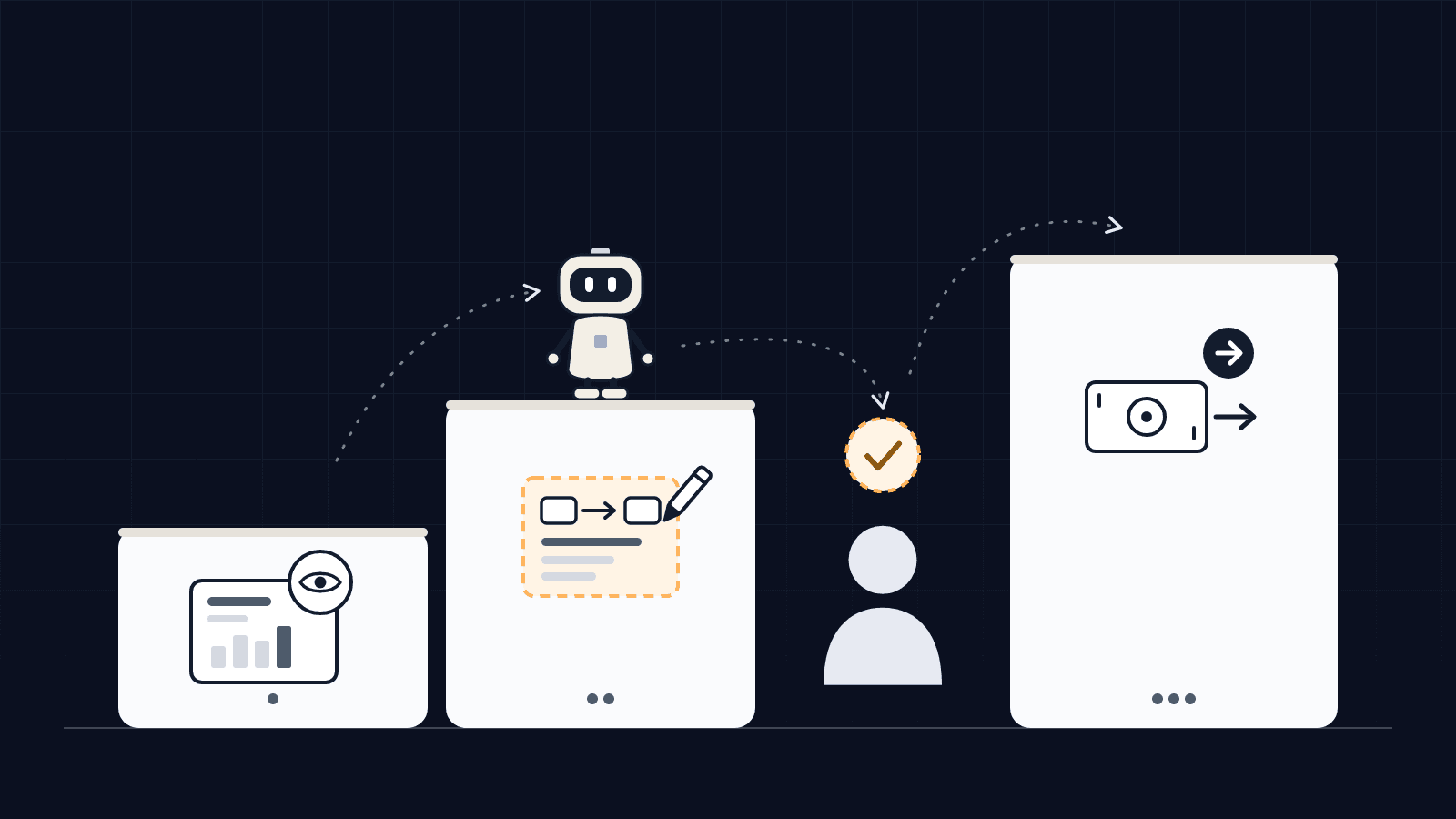
What remains possible is reading. An agent can see some data, such as balances, through an open banking provider the customer has authorised. What is not possible: sending money or paying a bill. The spokeswoman gave no date for any safeguards that would allow more. And Dimon warned customers who authorise an outside agent anyway that they need to understand the risk and the "liability transfer" that comes with it.
Why a small business owner should care
Because the temptation is the same in a ten-person company. You want an agent to match payments to invoices, chase unpaid bills or prepare supplier payments, and the fastest route is to give it the login of someone who already has every permission. On day one, it works. After that, nobody can say what the agent can touch, or who did what.
In Europe, the payment services directive separates two services: account information (aggregation, which pulls together your balances and transactions) and payment initiation (sending a payment order to your bank, with your consent). The French banking supervisor, the ACPR, states that a provider authorised only for the first cannot send transfers. French law also requires the user of a payment instrument to take "all reasonable steps" to keep their personalised security credentials safe. Wherever you are, read your banking terms or ask your bank before you give an online banking login to a third-party tool.
Question 1: what can the agent reach?
Write the scope account by account, folder by folder. "Access to the bank" means nothing; "read-only access to the main current account's transactions, excluding savings and the owner's card" can be checked. Same for email: which inbox, which folders, for how long.
Two simple rules:
- the agent has its own access, separate from any person's, so you can switch it off without locking out an employee, and see in the history what it did;
- every access has a purpose you can explain in one sentence. Access nobody can explain gets removed.
For banking, use access designed for the job: your accounting software's bank feed, your bank's API, or an authorised aggregator. These routes send you to your bank's own page to give consent, and your password stays with the bank. Accounting is covered in detail in our article on what to hand to an accounting AI agent.
Question 2: what can it do with that access?
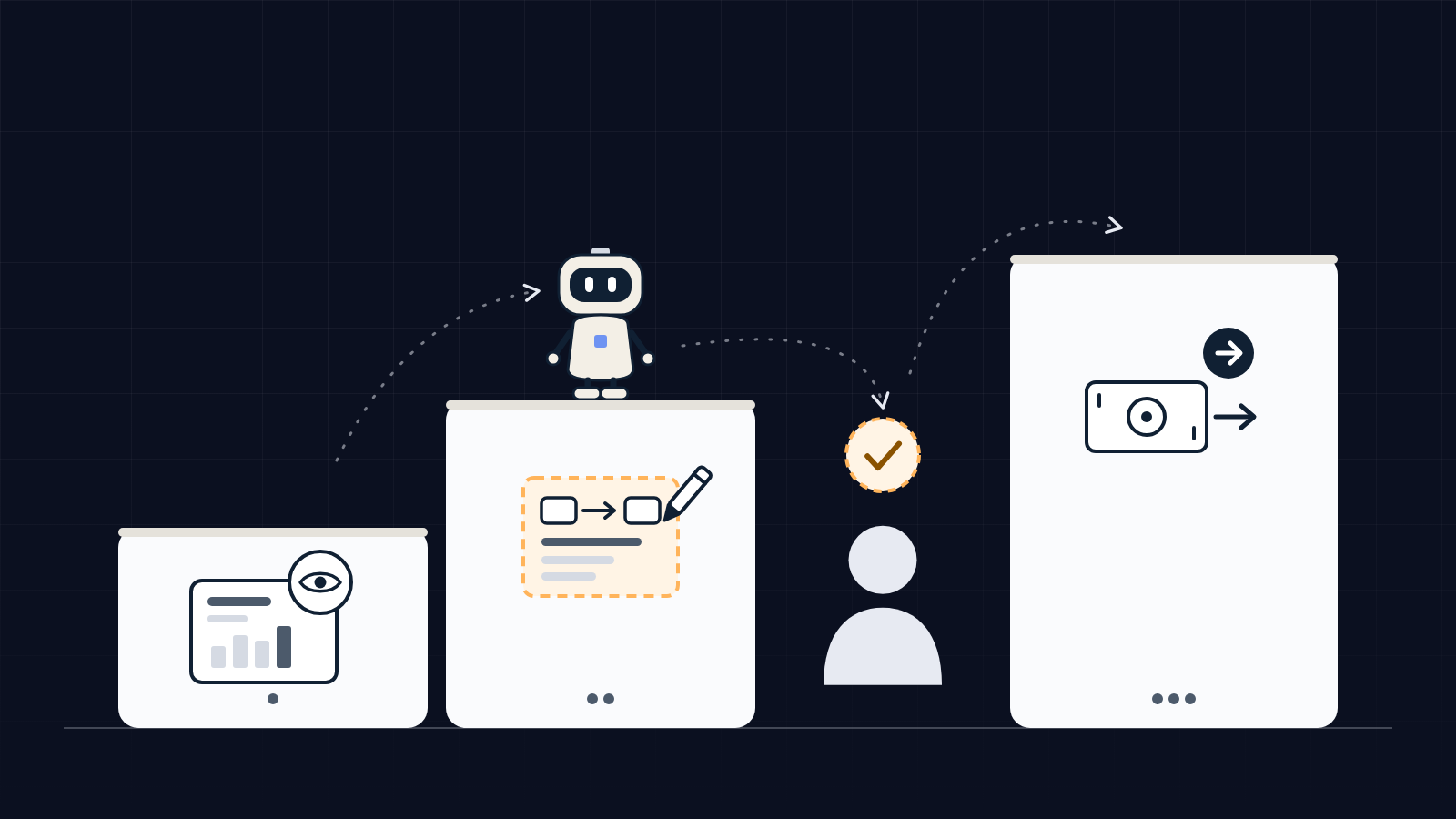
Put each action into one of three levels.
| Level | Examples | If the agent gets it wrong |
|---|---|---|
| Read | Check a balance, read incoming email, list unpaid invoices | A wrong analysis that a person spots and discards |
| Prepare | Draft a reminder, propose a reconciliation, prepare a payment order | A draft to fix: nothing has gone out |
| Execute | Send the email, approve the transfer, delete a document, pay | An action already with a third party, hard or impossible to undo |
A practical rule: an action only belongs in "execute" if someone can explain how to undo it. An email sent to a customer, a transfer already made: neither can be undone with a click. Those actions stay at "prepare", and a person presses the button.
There is one more reason to hold that line. An agent reads content that doesn't come from you: emails, supplier invoices, web pages. Any of them can carry a hidden instruction. An agent that only prepares, if it is tricked, produces an odd draft someone throws away. The same agent with payment rights produces a transfer.
Question 3: who approves before it goes out?
Name a person, not a department. For every action that commits your business (a price, a deadline, a payment, a message to a customer), write down who approves it and where. For a payment, the safest place is your bank's own app with its strong authentication: approval then doesn't depend on the tool that prepared the transfer.
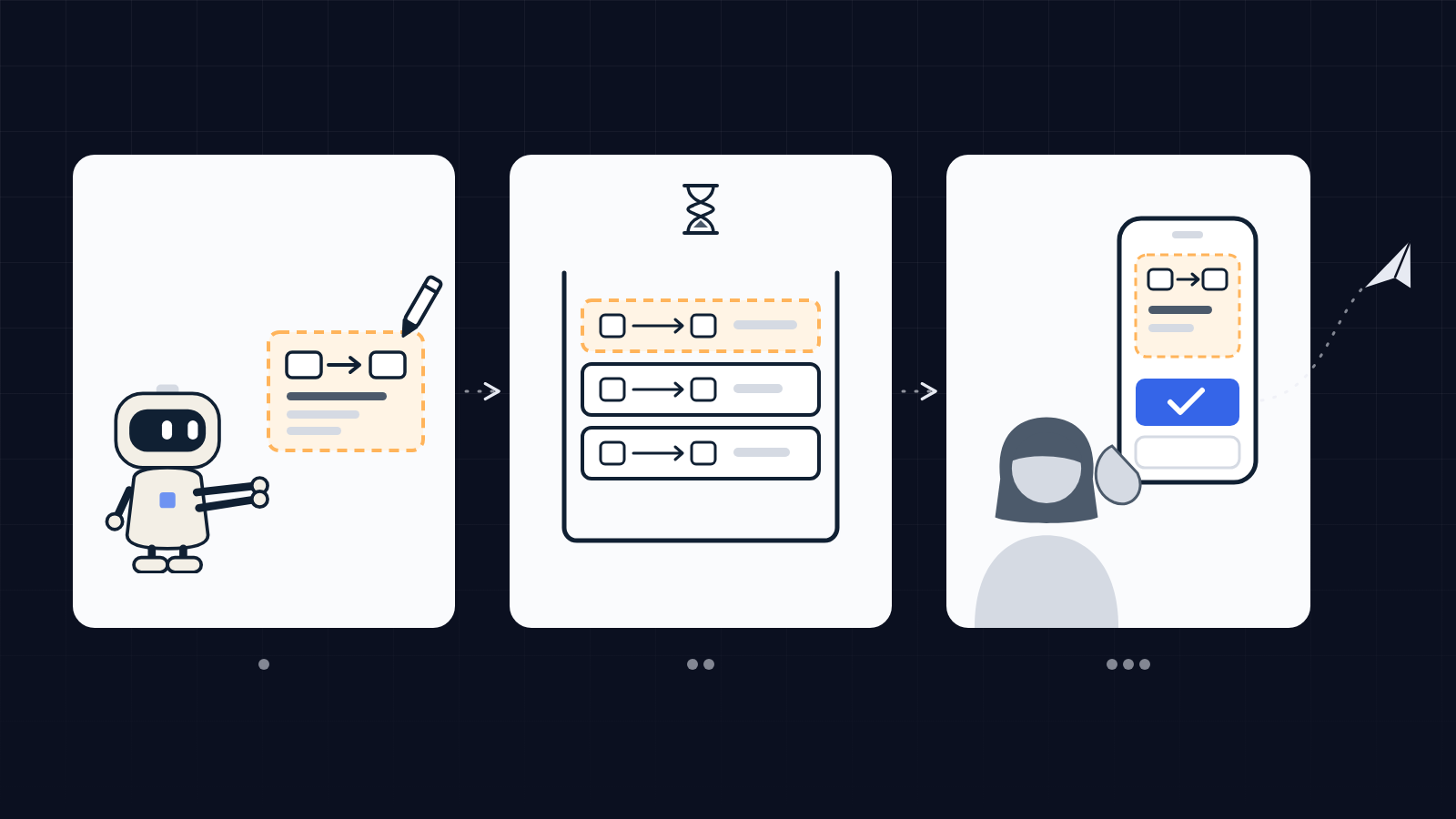
Add a log: every action the agent takes, recorded with its date, what it read and what it produced. A month later, you should be able to answer "what did it do, and based on what?". And plan the stop: who switches it off, and how, without calling the vendor. Both points are covered in four questions to ask before you connect an AI agent to your tools.
How we apply these rules to our own agents
Équipage IA runs on its own agents, under written rules. We reread them on 14 October 2026 for this article. Of the 9 agents on the agency's team, 6 have direct write permission, each limited to one tool or one use: the CRM for one, scheduling already approved posts for another, the website for a third. The other 3 read, prepare and coordinate. In that review, no permission allows an agent to make a payment.
The closest example: our admin agent can create quotes and invoices in the agency's banking tool and attach receipts to transactions. Sending an invoice to a customer waits for the founder's approval. Access our clients open to us follows the same logic: they enter it themselves in their own workspace, and we never see it.
That split is what we set up for our clients: the agent prepares, a person approves anything that commits the business. It is described on our AI agents for small businesses page, and it is defined during scoping, one process at a time.
Should you wait for banks to open the door?
No. Much of the useful work happens at the read and prepare levels: matching transactions to invoices, spotting unpaid bills, drafting reminders, preparing supplier payments for a person to approve. None of it requires giving an agent the right to pay. And when a task doesn't justify an agent, or a fixed rule is enough, it's better not to use one: that is one of the possible answers of a discovery audit.
FAQ
Should I give my bank login to an AI agent?
Avoid it. An online banking login opens everything your account allows, transfers included, and your bank's terms usually require you to keep it to yourself. To read your accounts, use an authorised aggregator or your bank's API; to pay, keep approval inside your bank's own app.
Can an AI agent make bank transfers?
Some can, depending on the access they are given. The useful question is who approves the transfer: an agent can prepare a payment order, and an authorised person confirms it in the bank.
What is the difference between read access and action access?
With read access, the agent looks at balances, emails or invoices without changing anything. With action access, it creates, sends, pays or deletes. A reading mistake gets fixed in a document; an action that has reached a third party is hard to take back.
Who is liable if the agent makes a mistake?
It depends on your contracts with the bank, the software vendor and the provider. Read your bank's terms on delegated access and ask your provider for a written answer. This article is not legal advice.
Sources: article by Hugh Son, CNBC, 13 October 2026 (https://www.cnbc.com/2026/10/13/jpmorgan-ai-agents-account-access.html), read 14 October 2026 · ACPR (French banking supervisor), fintech guidance page on account information and payment initiation services (acpr.banque-france.fr), read 14 October 2026 · French Monetary and Financial Code, article L. 133-16, read 14 October 2026. Practices described as ours come from the written rules of Équipage IA's agent team and its offer document, as of 14 October 2026. No client case is cited.