The question comes back with every flaw. On 21 October 2026, the PHP project released fixes for two serious flaws; that case is used as an example throughout this article, but the method works for the next alert too.
Why your PHP version matters, even if you are not technical
When a flaw hits PHP, it hits the engine of the site, whatever the theme or the care taken with plugins. The two flaws fixed on 21 October 2026 were rated 9.2 out of 10 and, in some configurations, allowed code to be run on the server without any login. CERT-EU, the incident response team of the EU institutions, advised updating immediately and, where that was not possible, isolating internet-facing sites.
These flaws affected any PHP installation serving visitors, whatever the server setup. The workaround settings published in the meantime closed some attack paths; the PHP project and CERT-EU were clear that only the update fixes the problem.
How to read the right version number
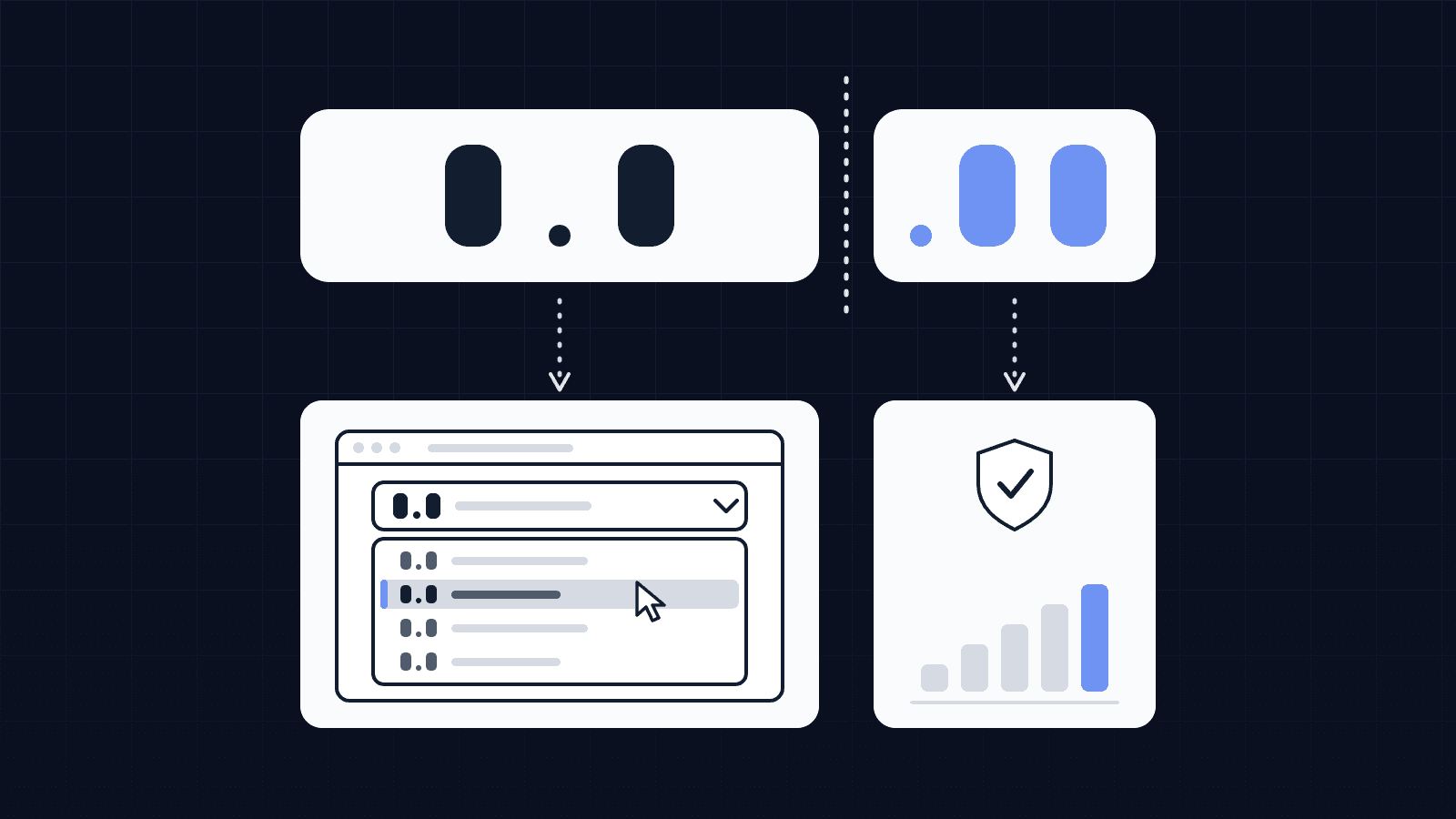
A PHP version number has three parts. In 8.3.36, the first two (8.3) are the branch and the last one (36) is the patch level. Security fixes ship as new numbers in every branch that is still maintained. On 21 October 2026, these were 8.5.12, 8.4.27, 8.3.36 and 8.2.35.
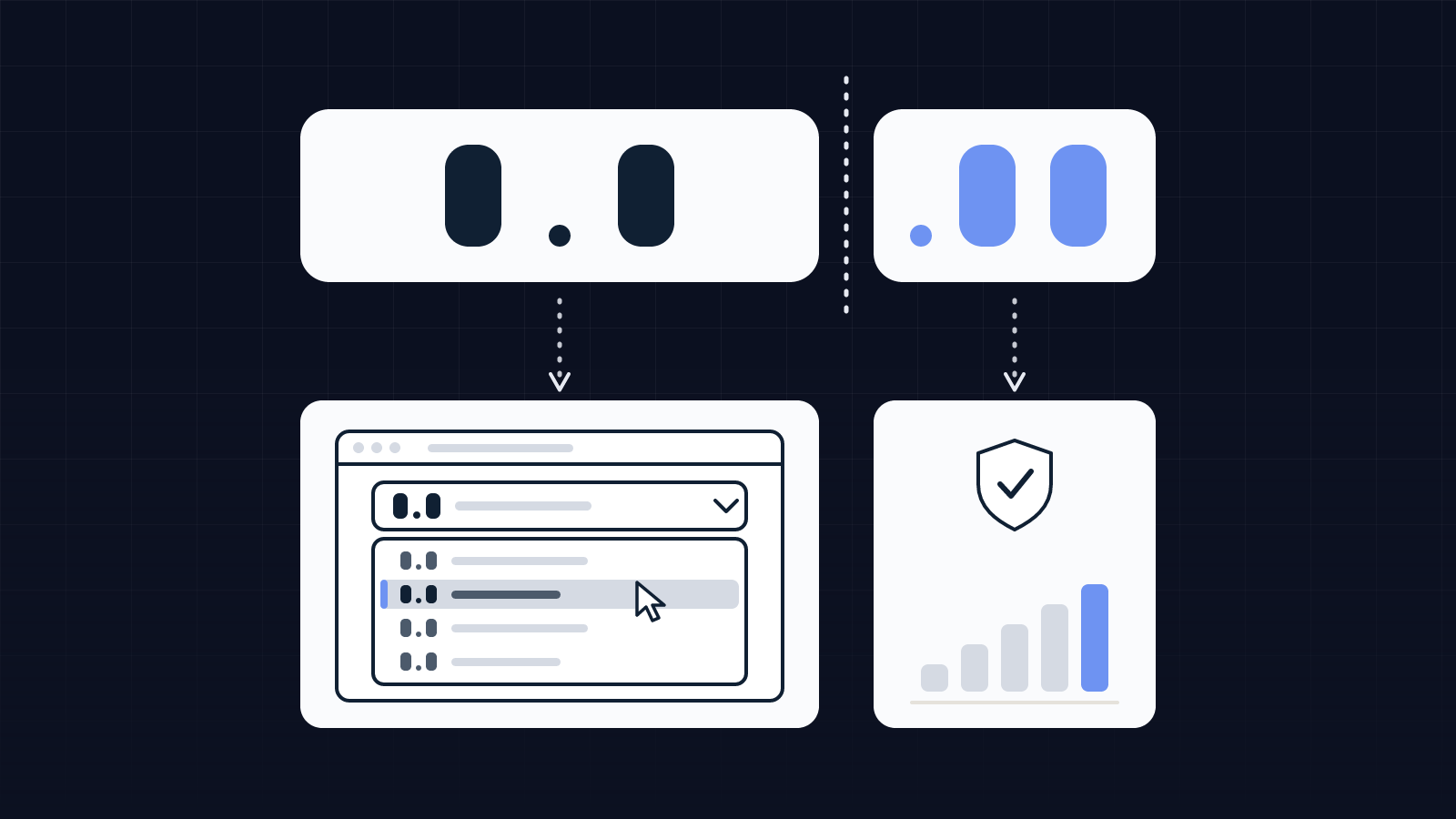
An installation on 8.3.25 and another on 8.3.36 are both "on PHP 8.3". Only the second one includes the 21 October fixes. That is the trap: in a web host's control panel, you choose a branch from a menu; the patch level does not always appear there.
Where to read the full number:
- WordPress: Tools, Site Health, Info tab, Server section, "PHP version" line.
- Joomla: System, System Information.
- Other sites: ask whoever built the site, or your web host, in writing.
Then compare it with the supported versions page on php.net, which lists the maintained branches and the latest release of each.
Which versions are still maintained?
Each PHP branch gets all fixes for two years, then critical security fixes only for two more years. After that, nothing. Here is the status read on php.net on 22 October 2026:
| Branch | Security fixes until | Patched release of 21 October 2026 |
|---|---|---|
| 8.5 | 31 December 2029 | 8.5.12 |
| 8.4 | 31 December 2028 | 8.4.27 |
| 8.3 | 31 December 2027 | 8.3.36 |
| 8.2 | 31 December 2026 | 8.2.35 |
| 8.1 and older (including PHP 7) | End of life | No release from the PHP project |
Two consequences for a business owner. If your site runs 8.2, it is on its final stretch: the branch gets nothing after 31 December 2026, so now is the time to ask when you will move to a newer one. If it runs PHP 7 or 8.1, the PHP project no longer releases versions for it. For the 21 October flaws, the PHP team did provide minimal patches for 7.4, 8.0 and 8.1, but for people who build PHP themselves. Some hosts sell extended support for old branches: it buys time, it does not replace the migration.
Who should update: you or your web host?
It depends on your plan, and many business owners only find out on the day of an alert. The Drupal security team said it in its 21 October notice: site owners are responsible for the security of their hosting platform, and when the host manages PHP, you should follow its communications.
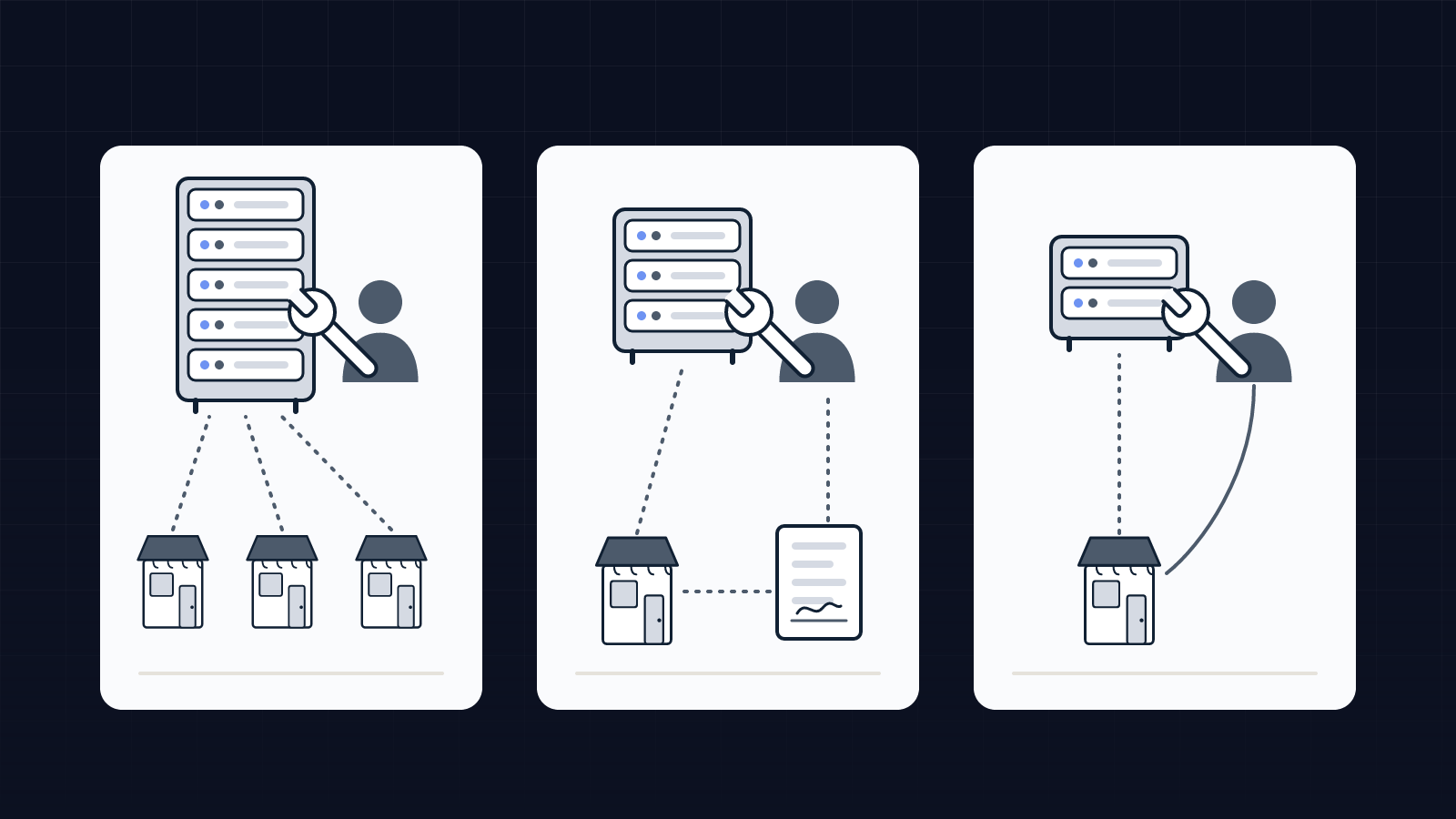
| Your hosting | Who installs PHP fixes | What you check |
|---|---|---|
| Shared (you pick the version from a menu in the control panel) | Usually the host, for the branch you chose. IONOS says so in its help pages for recent versions. | Is the chosen branch maintained? Is the fix installed? |
| Managed (a provider runs the server for you) | The provider, if the contract says so | Does the contract mention security updates, with a deadline? |
| Virtual or dedicated server nobody officially runs | You, or whoever you handed it to | Who has access to the server, and who was told? |
The most worrying case is the third: a server rented years ago by a former provider that nobody watches any more. If you cannot answer "who has access?", that is the first thing to sort out.
One more point: PHP is not only behind your brochure site. An online shop, an extranet or a business application hosted by a vendor may use it too. CERT-EU points to a list kept by the Dutch national cyber security centre (NCSC-NL) of third-party software that ships PHP. For those, the question goes to the vendor.
What to ask your web host: a message ready to send
Send it through support or by email, so you get a written answer. Adjust the version numbers for the next alert.
Subject: PHP version and security fixes on my hosting
Hello,
For the site [site address] (contract [reference]), could you answer the following in writing:
- Which exact PHP version is used, full number included (for example 8.3.36), for this site and for every other site or subdomain on the contract?
- Are security fixes released by the PHP project installed automatically on my plan, and how long after release?
- Are the fixes released on 21 October 2026 (8.5.12, 8.4.27, 8.3.36, 8.2.35) installed on my hosting, and since when?
- Is my PHP branch still maintained, until when, and how will the change of branch be handled?
- If my version is end of life: do you provide fixes, and what should I plan for the migration?
- How will I be told about the next PHP flaw?
Thank you,
[Name, role]
Points 2 and 6 are for later: once you know who applies fixes and how you are notified, the next alert is handled by reading an email.
Before changing branch, three precautions
Installing a fix within the same branch (from 8.3.25 to 8.3.36) should not change how the site behaves. Changing branch (from 7.4 to 8.3, for example) can break an old theme or plugin. Beforehand:
- a full, dated backup, and certainty that you know how to restore it;
- WordPress or Joomla, the theme and the plugins updated first;
- a test on a copy of the site where the host allows it, then a check of the pages that matter: contact form, booking, payment.
Worth knowing: some hosts, such as Infomaniak, do not let you go back to a vulnerable version once the change is made. Your backup plan should not rely on rolling PHP back.
What we checked on our side
We asked the question of our own site on 22 October 2026. It is built with Next.js, a JavaScript tool, and does not run PHP: the 21 October flaws did not affect it. The approach is the same for any site: know what it runs on, who updates it, and where the alert comes from.
On 22 October 2026 we also read in full four French pages among the top results for a search on updating PHP: the French WordPress help, a specialist WordPress guide and the help pages of two hosts. None of the four says to check the full number rather than the branch. Two offer a message to send to the host, and both messages only ask for a minimum branch (7.4 in one, a branch now end of life; 8.3 in the other): not the patch level, not who installs fixes, not how quickly. That gap is why we wrote this article.
Do you need an AI agent to watch this?
For one website, no. An alert from your host, a quarterly reminder to re-read the version number, and the message above are enough. A monitoring agent makes sense when the business depends on several software tools and providers: it reads security notices, spots those that affect your tools and drafts the message to send, which a person reviews before it goes out. The access rules to follow in that case are covered in our article on what access to give an AI agent and in four questions to ask before connecting an AI agent to your tools.
Monitoring the tools we install, updates included, is part of our ongoing support. And the list of your tools, with the person who maintains each one, is one of the first documents we write during scoping.
FAQ
How do I find out which PHP version my site uses?
In WordPress: Tools, Site Health, Info tab, Server section. In Joomla: System, System Information. Otherwise your host's control panel shows the branch, not always the full number: ask for it in writing.
Is PHP 8.3 enough to be up to date?
No. 8.3 is a branch; what matters is the full number. After the 21 October 2026 fixes, an 8.3 installation must be at least on 8.3.36 to fix the two flaws published that day.
Is it up to me or my web host to update PHP?
It depends on your plan. On shared hosting, the host usually installs fixes for the branch you chose; on a server you run yourself, it is up to you or your provider. The Drupal security team puts it plainly: platform security remains the site owner's responsibility.
My site runs PHP 7, what should I do?
Plan a migration to a maintained branch (8.2 or newer as of 22 October 2026). Branches 8.1 and older no longer get fixes from the PHP project; some hosts sell extended support, which delays the migration without replacing it.
Sources, all read on 22 October 2026: The PHP Foundation, "Today's PHP Security Release, and How We're Strengthening PHP Security", 21 October 2026 (thephp.foundation) · CERT-EU, security advisory 2026-018 "Critical Vulnerabilities in PHP", 21 October 2026 (cert.europa.eu) · Drupal Security Team, PSA-2026-10-20, 21 October 2026 (drupal.org) · php.net, "Supported Versions" (php.net) · BleepingComputer, "PHP ships emergency patches for critical PHP2Shell flaws", Sergiu Gatlan, 21 October 2026 · WordPress.org (French), "Update PHP" (fr.wordpress.org) · Joomla documentation, "Site System Information" · IONOS help, "View or change the PHP version" · Infomaniak, FAQ 2053 "Change a site's PHP version". The review of the four pages was carried out by Équipage IA on 22 October 2026. No client case is cited.